HOW IT WORKS
From tender package to bid decision.
Reconder does the reading, sorting and checking. Your bid team reviews the results and spends its time on the bid itself.
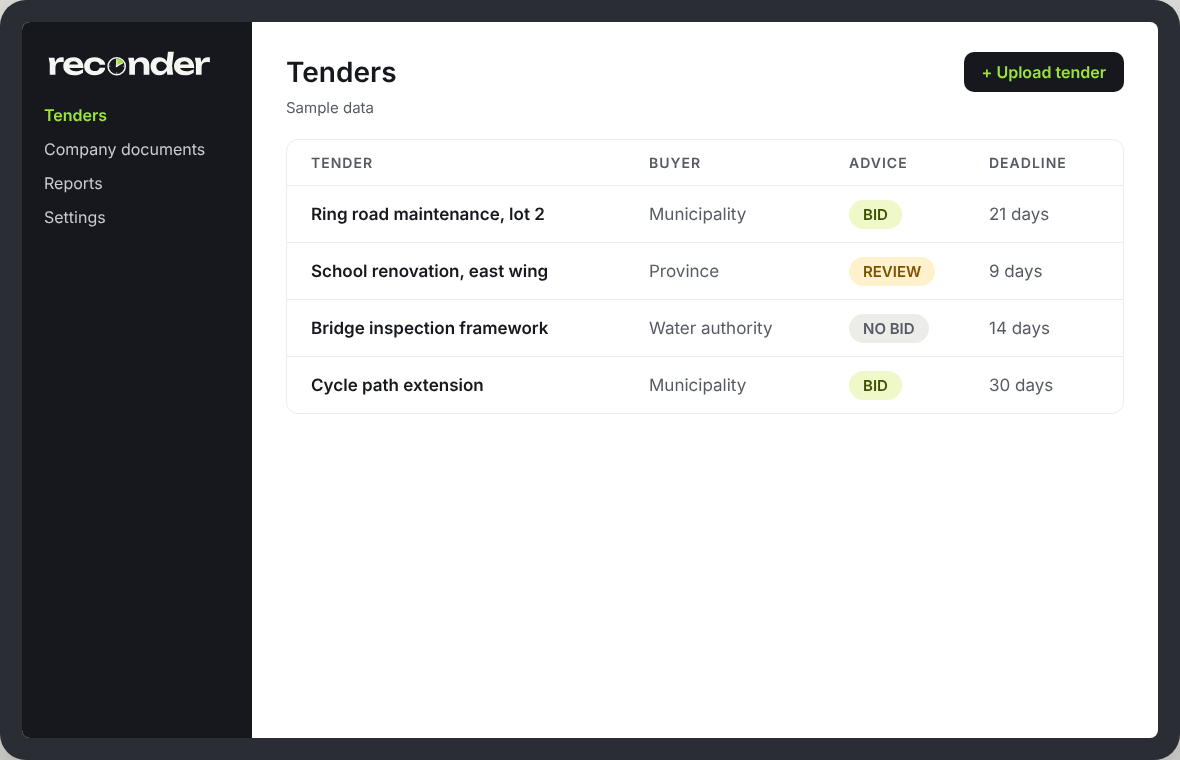
Upload your tender
Drop in the tender exactly as you received it.
- ZIPs with nested folders, PDF, Word or Excel, zipped or loose
- Files are sorted and named automatically; you confirm the list
- Every round, from first enquiry to final offer, kept in one place
Reconder checks it
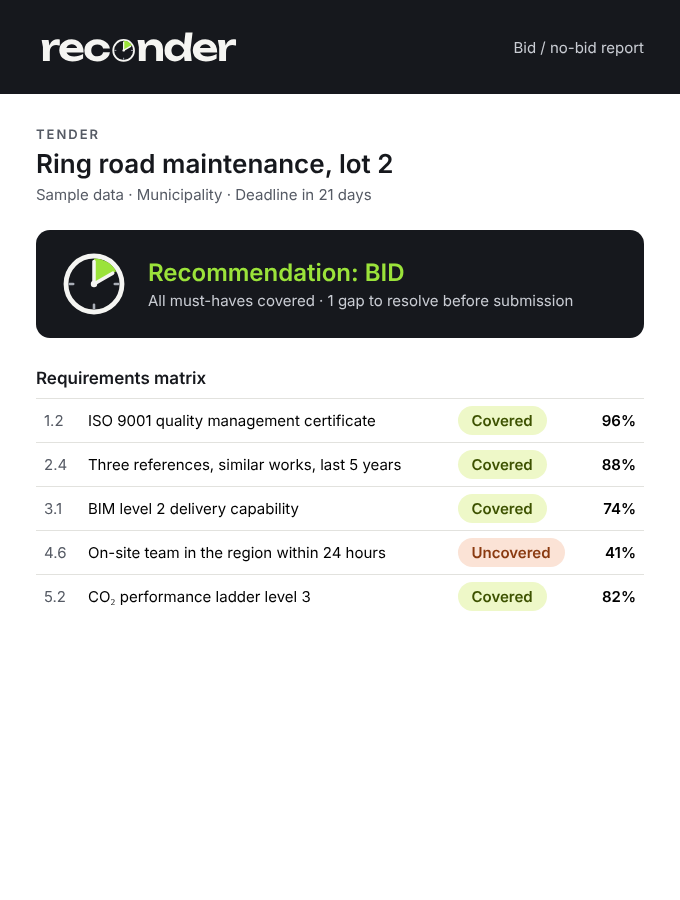
Reconder reads every document and builds the requirements matrix for you.
Tender snapshot
Buyer, dates, deadlines and evaluation criteria, summarised.
Every requirement
Extracted from every document, numbered and grouped.
Matched to you
Covered or uncovered, with a confidence score and quotes from your documents.
Where you score
Must-haves separated from the extras that earn bonus points.
You review and decide
Reconder recommends; your team stays in charge.
- A clear bid / no-bid recommendation, with the reasons and the gaps
- Preview and adjust any answer before it goes out
- A shareable PDF report for the go / no-go meeting
- The buyer’s Excel requirement sheets, filled in and ready to review
YOUR KNOWLEDGE BASE
Added once, reused every time.
Upload your references, certificates, CVs and capability statements once. Every new tender is checked against them automatically.
EVERY ROUND, ONE PLACE
Documents change. Your matrix keeps up.
When the buyer issues a clarification or a new version, Reconder re-runs the matrix and shows what changed.